

HOW IT WORKS
Just follow the steps below to create an amazing custom website, with my pre-built layouts and sections. Keep in mind, these are just examples. Easily Mix & Match sections from any page, or create your own.
With some customization, your options are limitless!
STEP 01
Learn How To Build A Professional Website
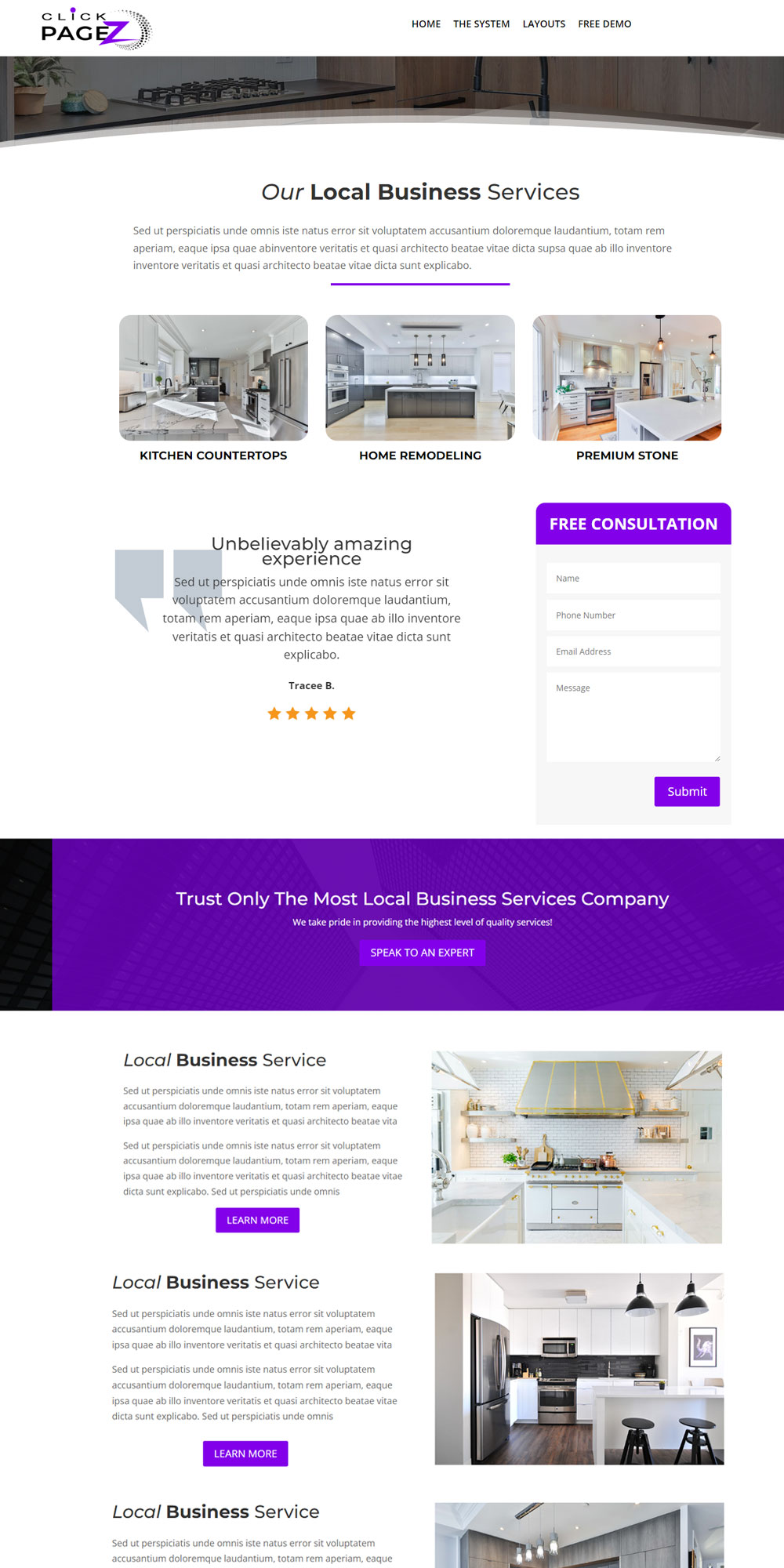
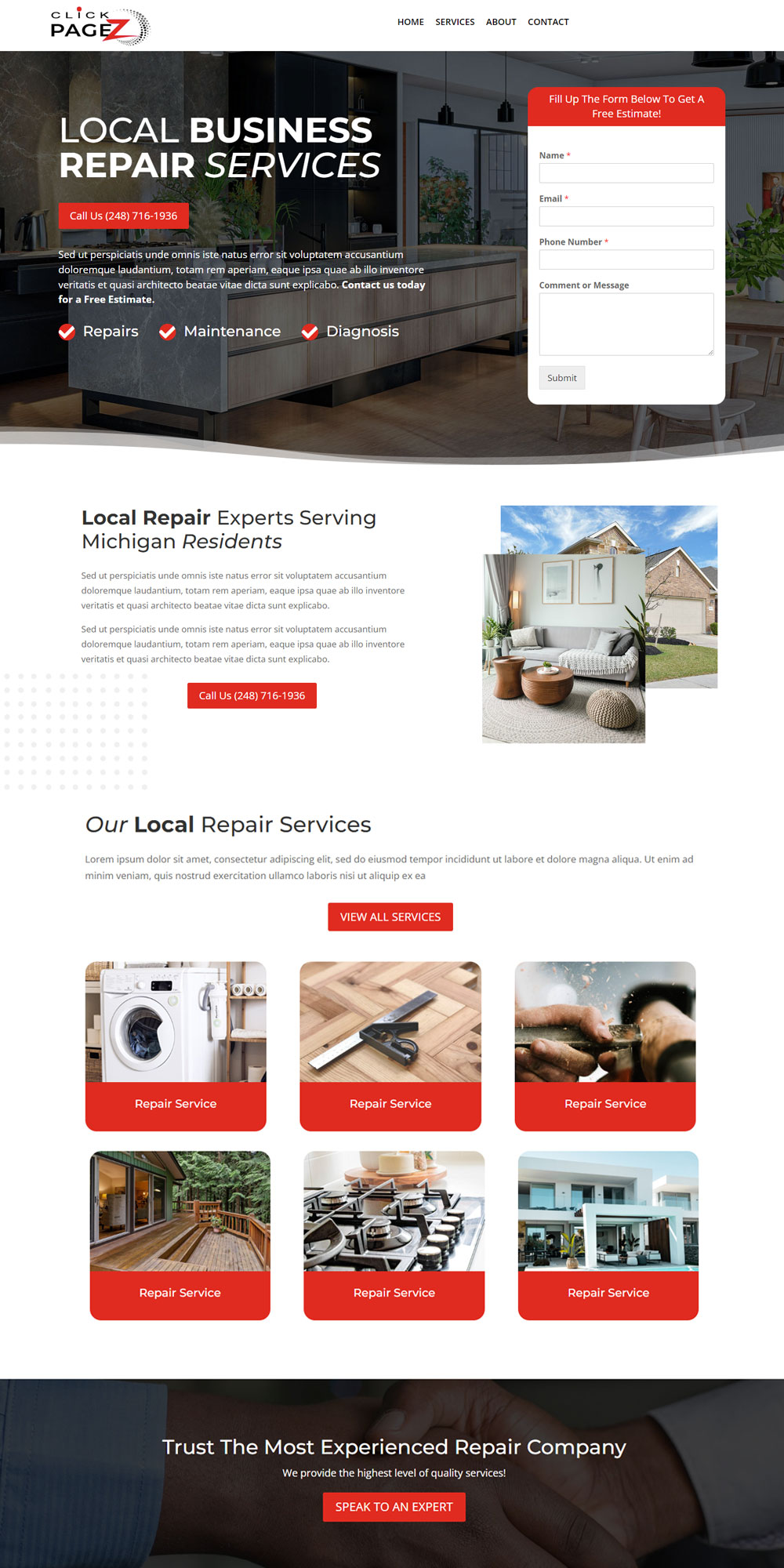
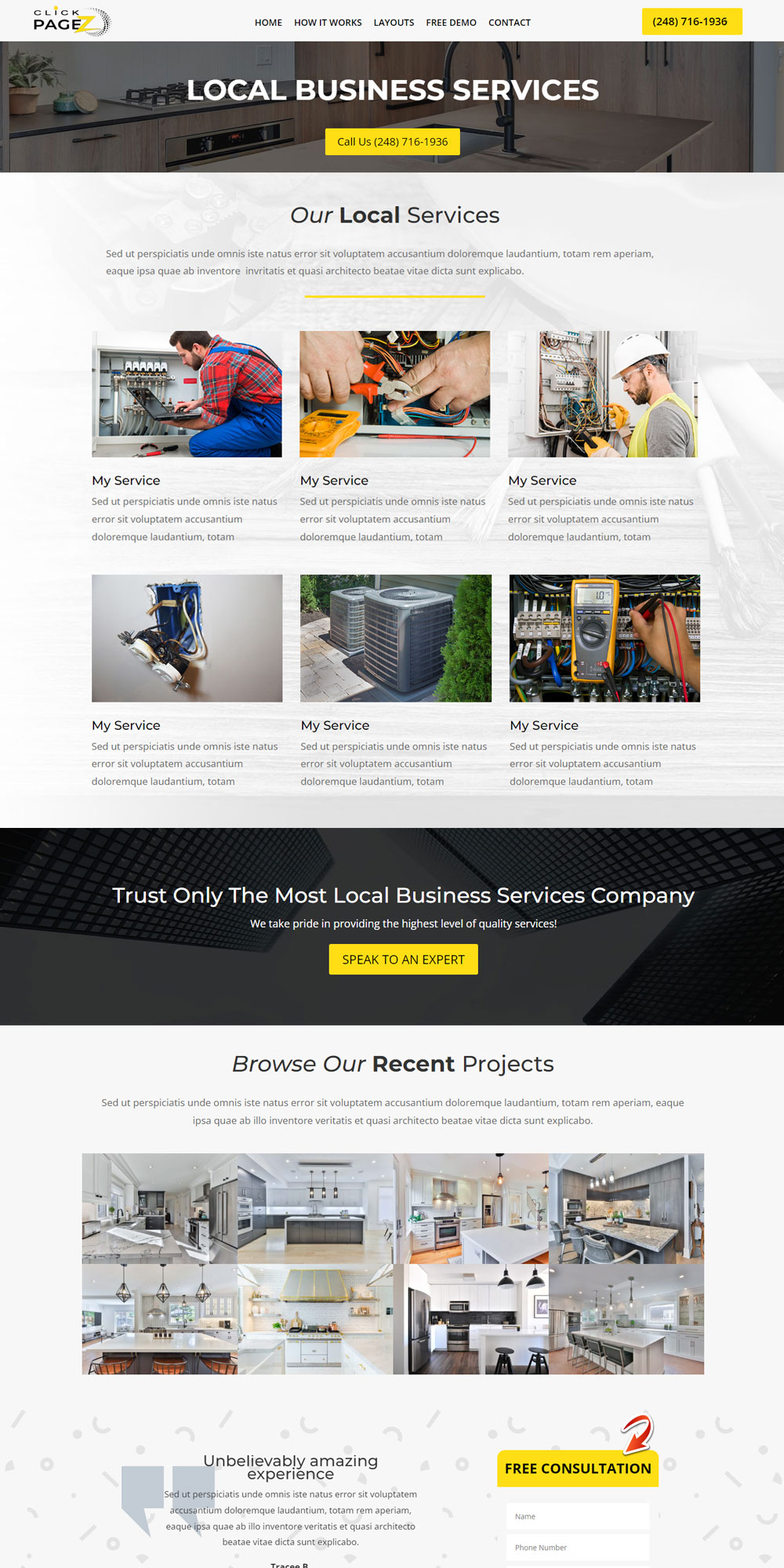
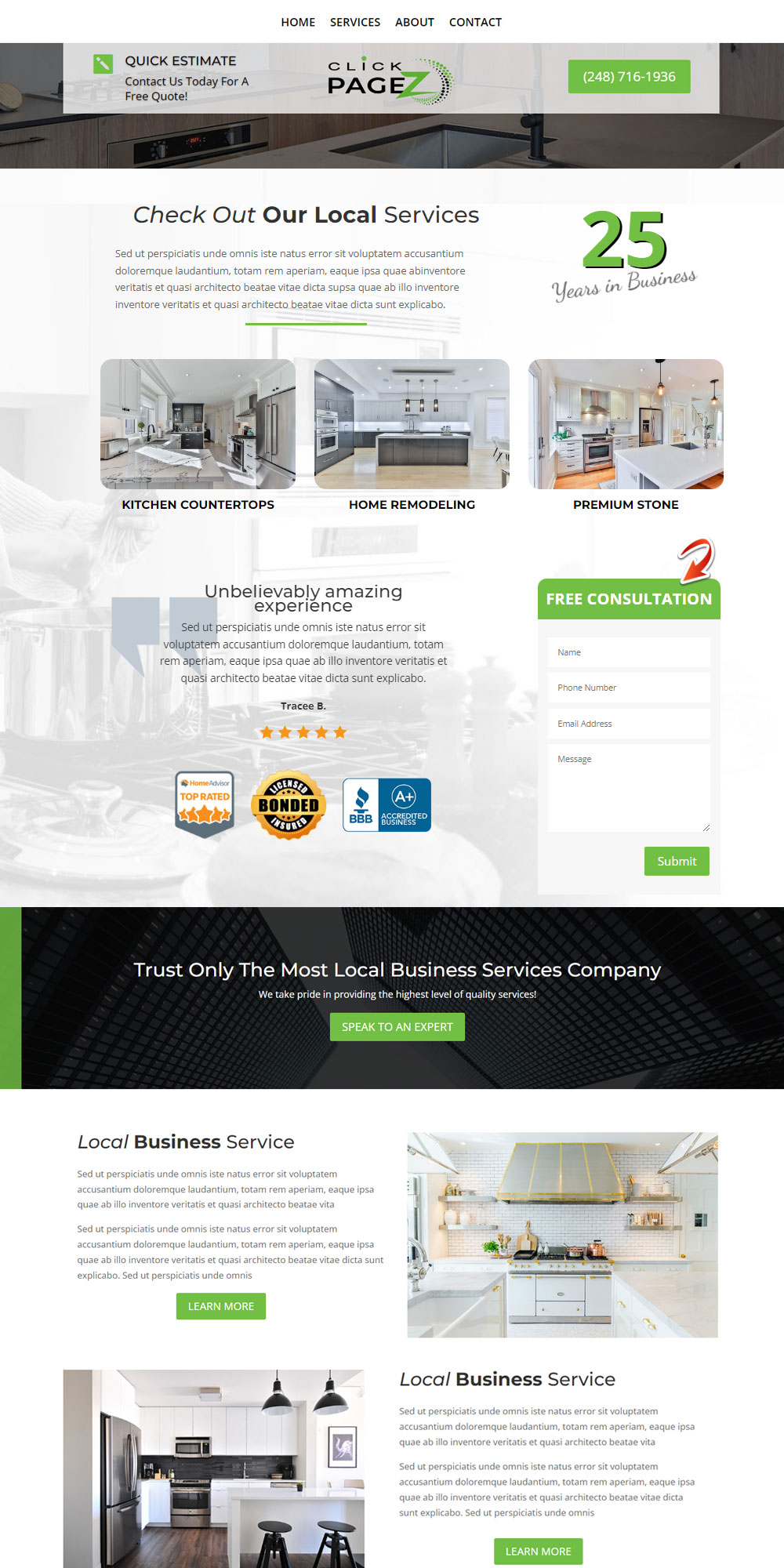
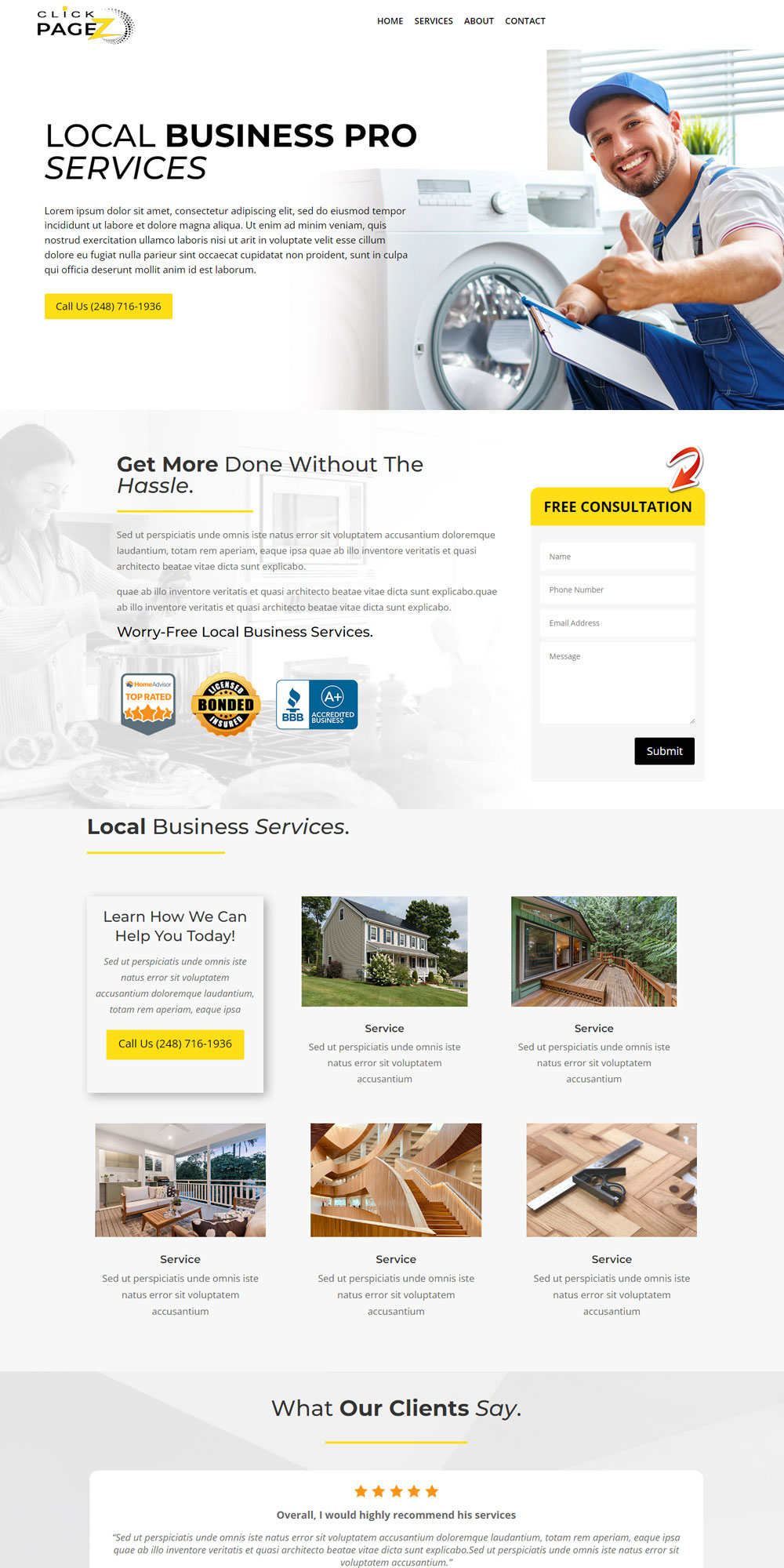
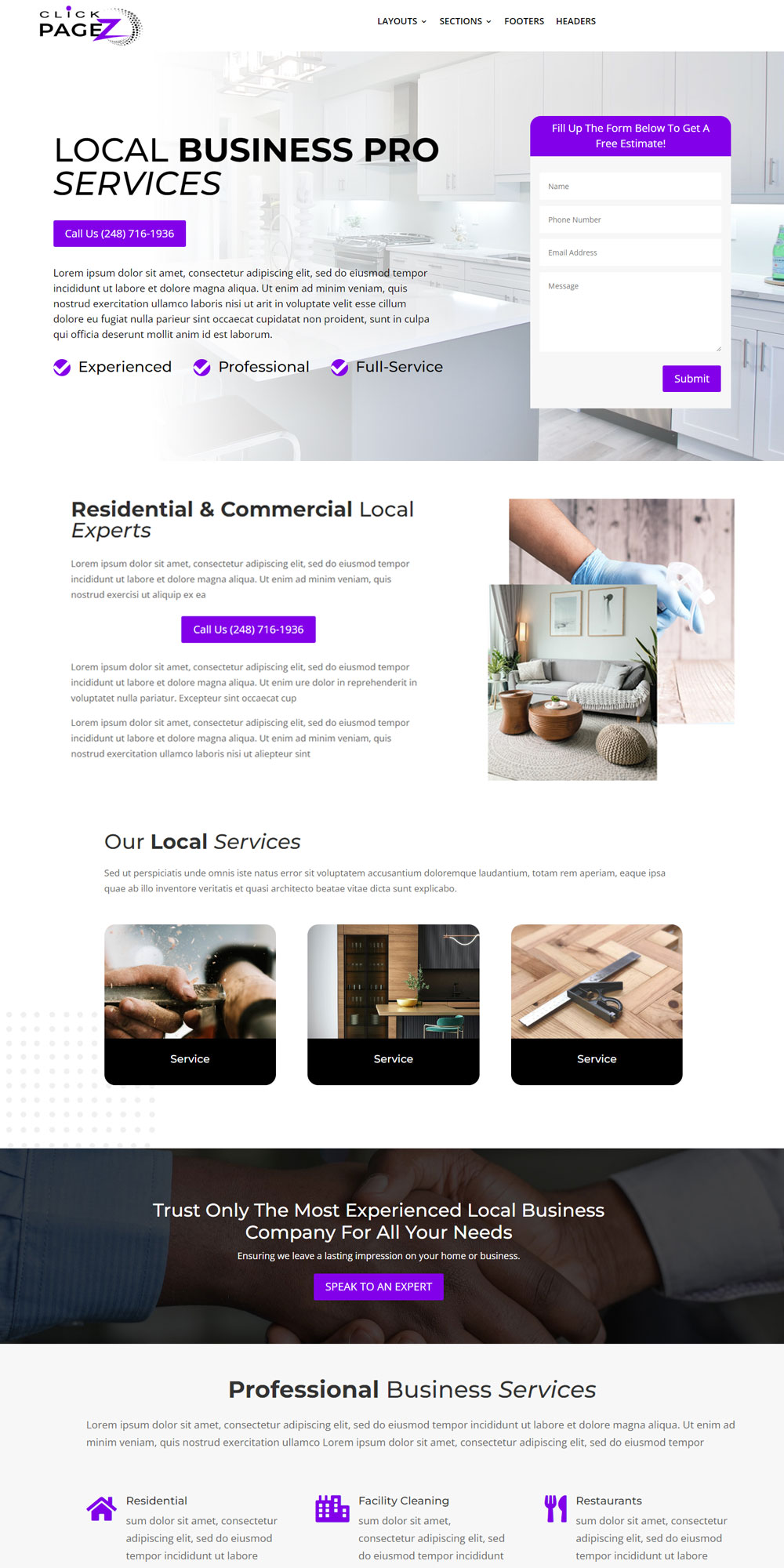
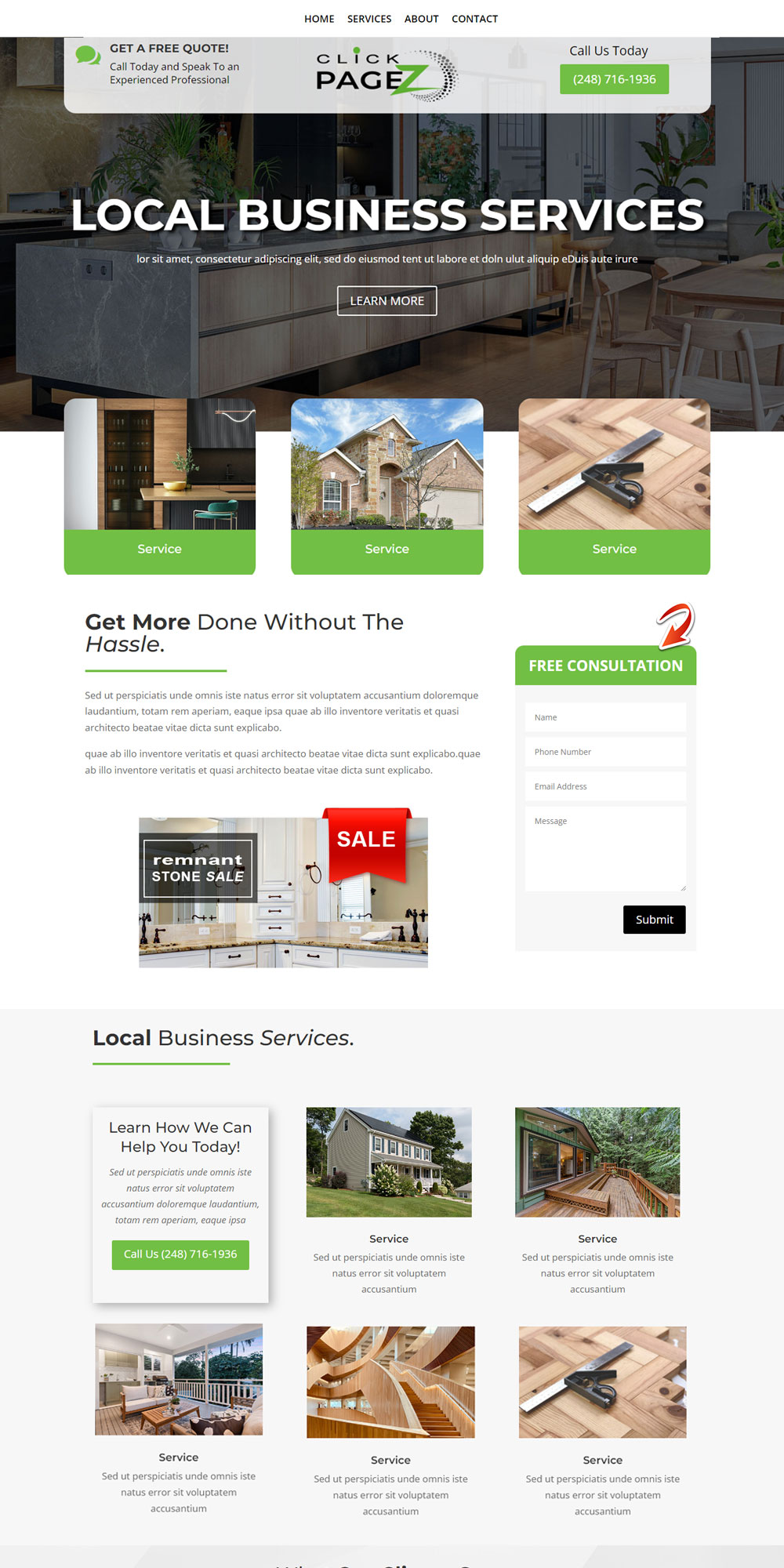
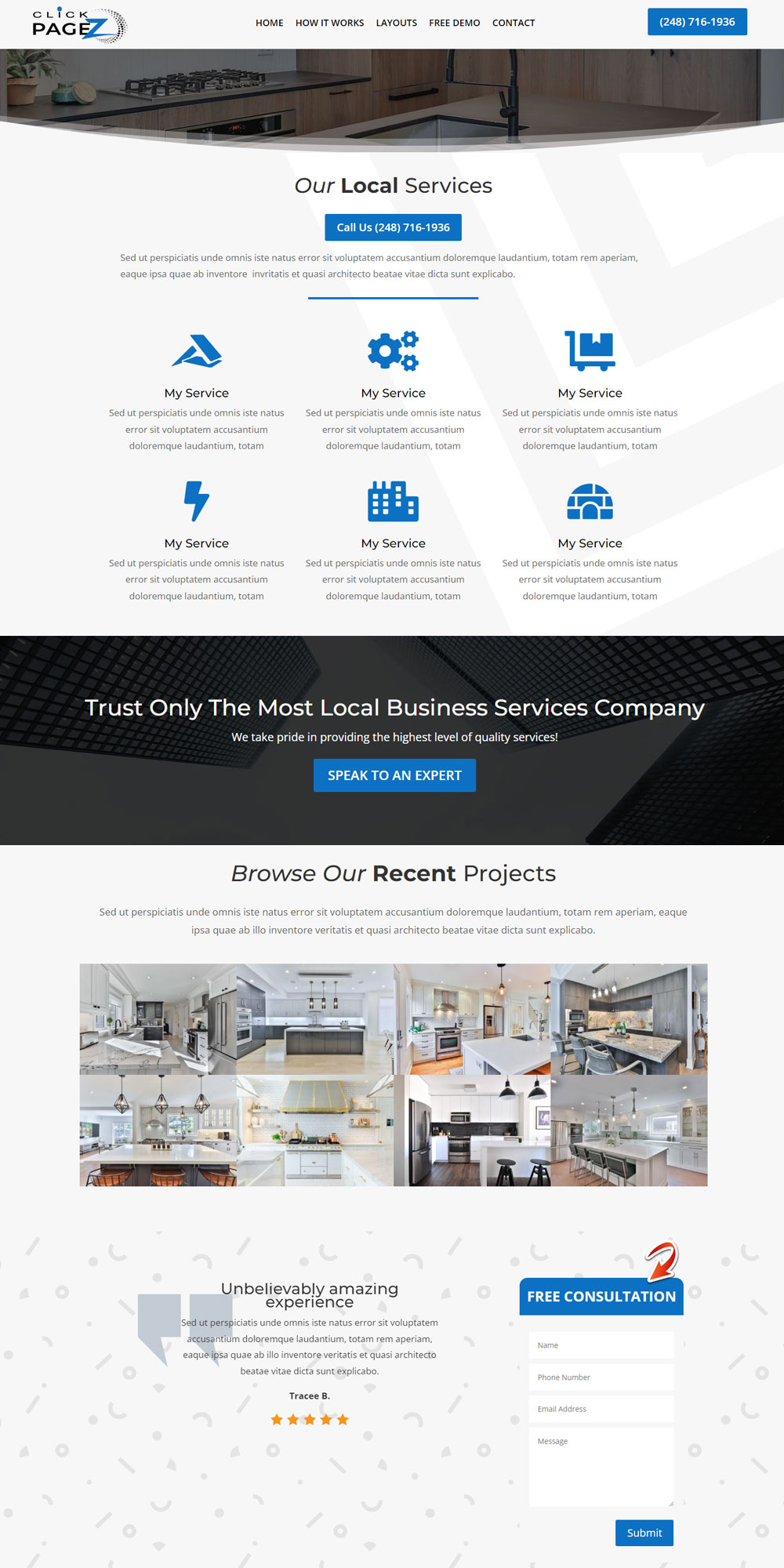
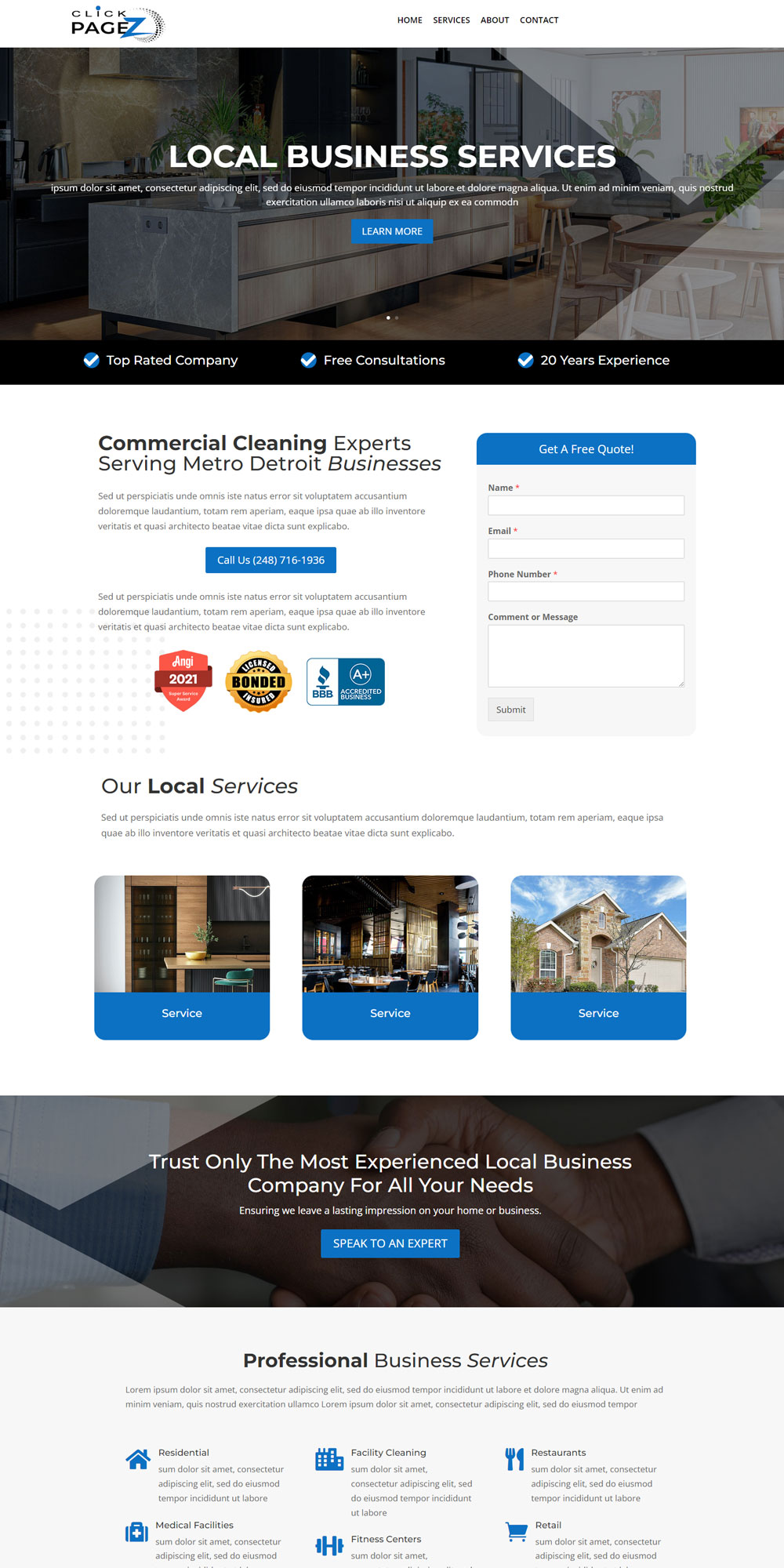
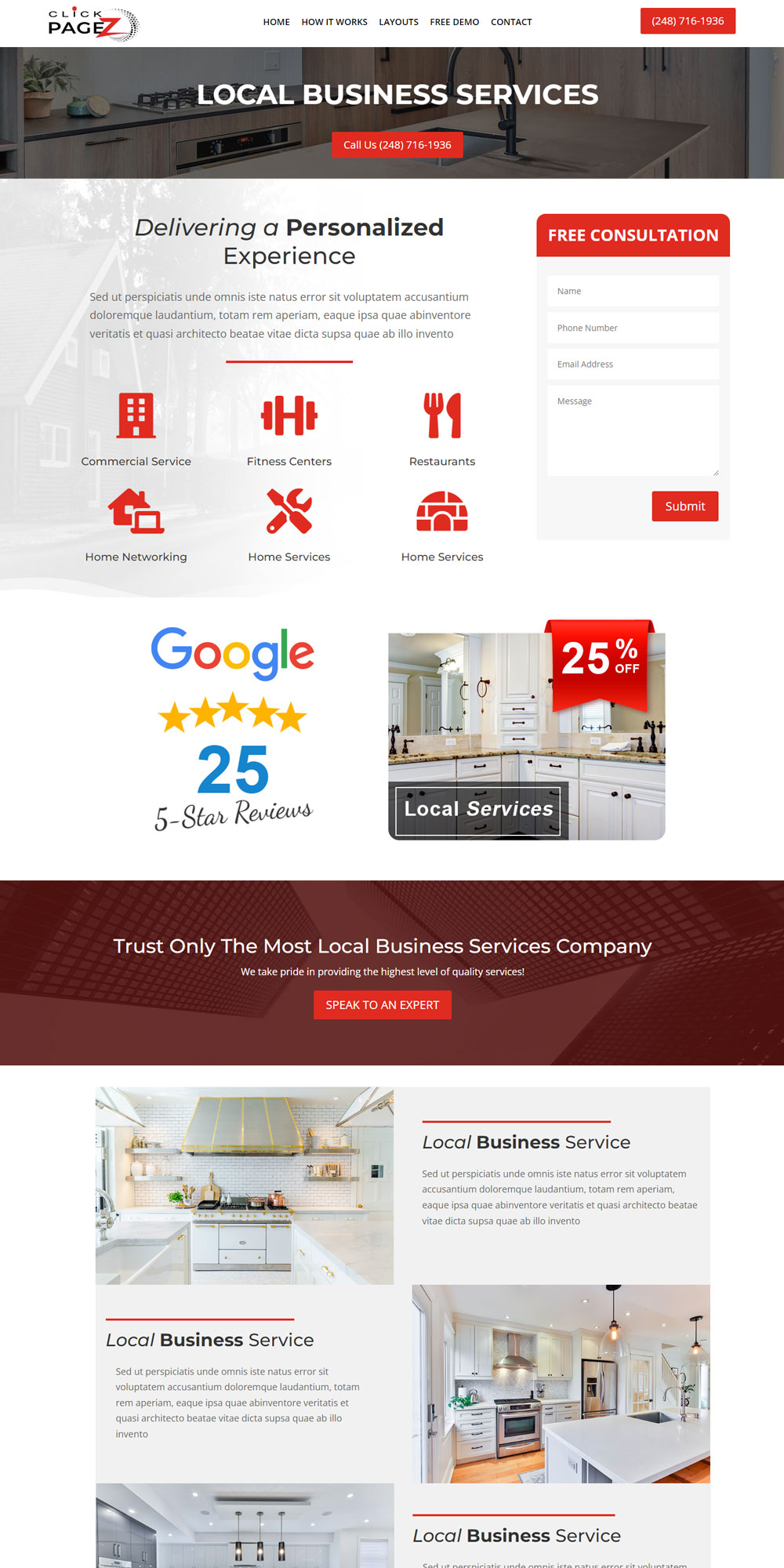
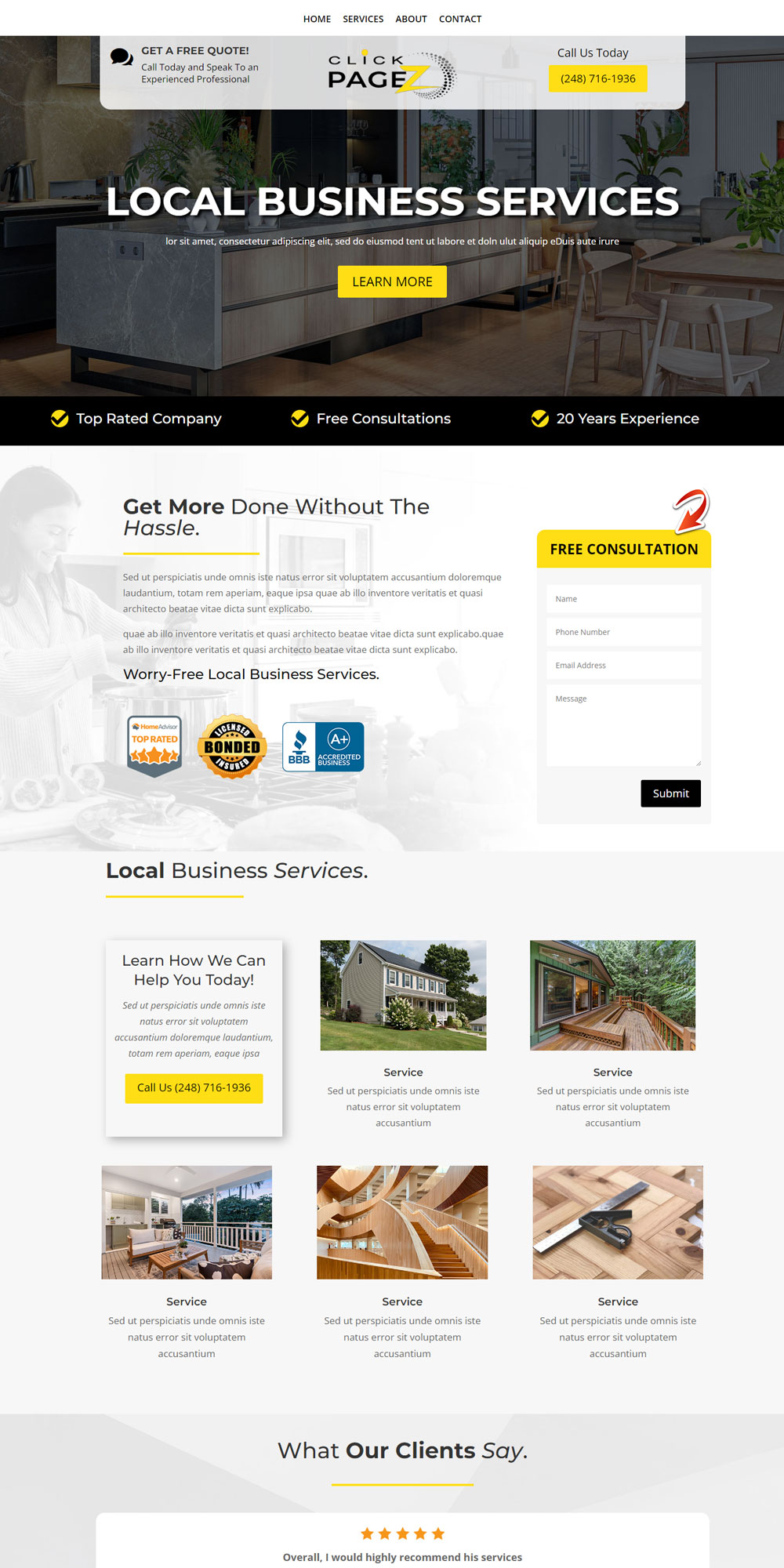
When you sign up for my program, you will get my Best website layouts, that I have personally created and refined over the last eight years!
This includes over 20 professionally designed layouts, including 50 + sections to further customize your website. From easy navigation, appealing headers, contact forms, and clear service offerings – I got you covered.
These layouts are designed to work seamlessly with eachother. So feel free to delete and add sections as you see fit. You will be able to customize the colors, logo, and placement, for both Desktop and Mobile devices.
And the best part … I will show you how to do this with my On-line Live Training Workshop!
STEP 02
Learn How To Customize Your Website
In this portion of the program we dive into creating a unique website for your business. You have the option to use our “ready to go” professionally designed layouts or Customize them. You will learn how to easily insert sections, such as “Call to Action,” special offers, galleries, reviews, bio’s and more.
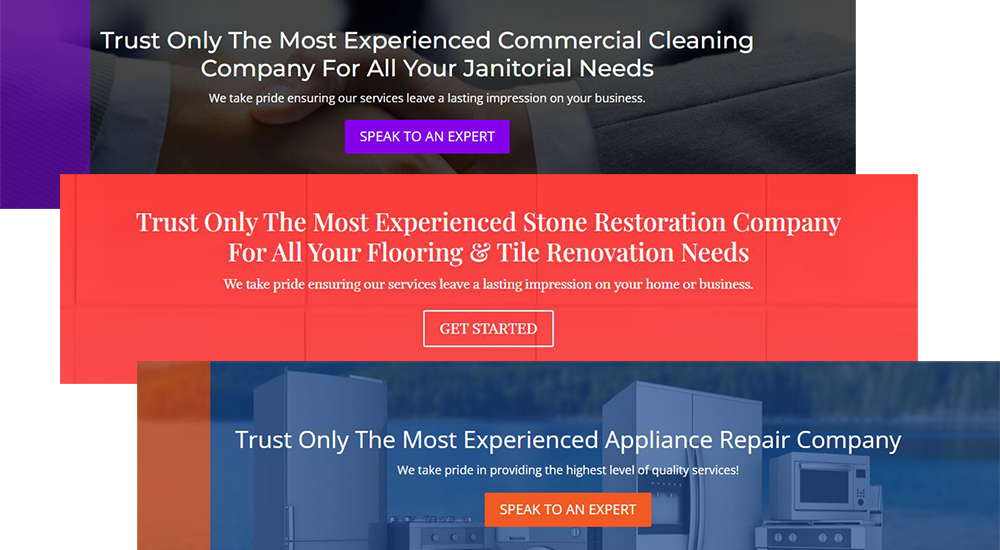
Add a “Call to Action”
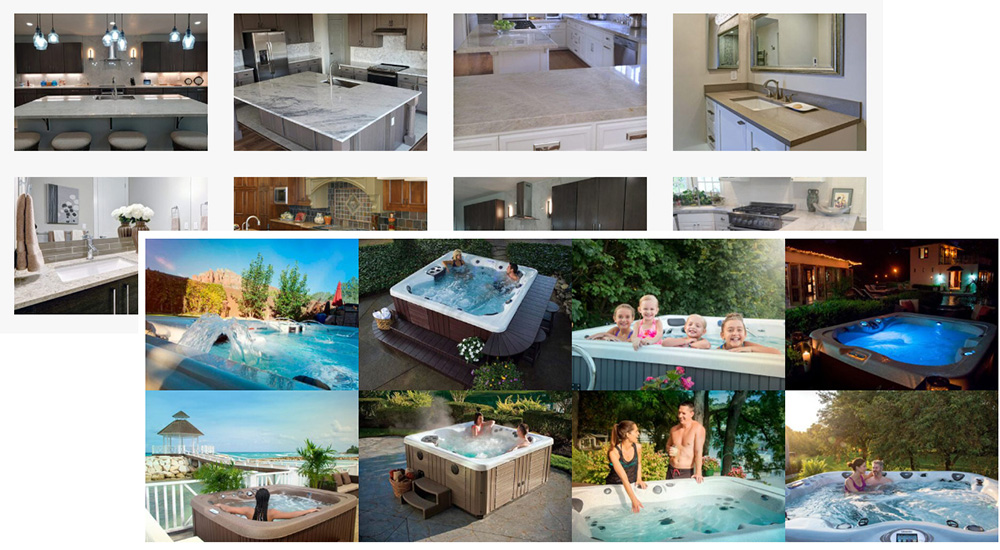
Insert an Image Gallery
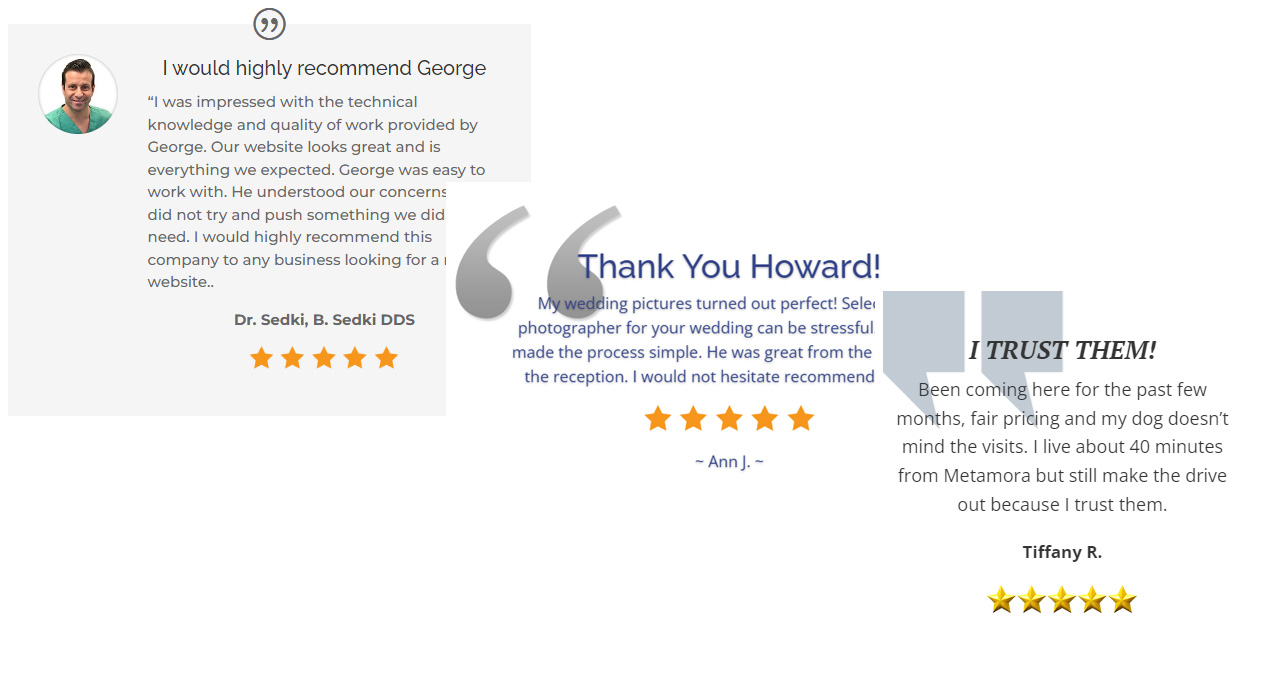
Sprinkle in Some Reviews
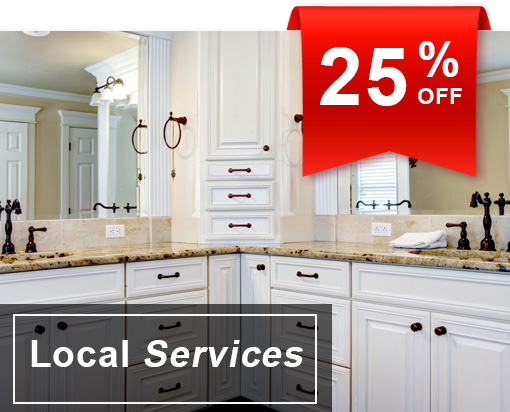
Add a Special Offer
Special Offers are a great way to increase conversions. Wheter it’s 10% off, a Free In-House Quote, Buy 1 to get something free – special offers work! Easily add your special offer anywhere on your web page with ease.
I inlcude a handful of my favorite graphics files that you can edit and make your own – using Free Photo Editing software!
Plus A Lot More
STEP 03
Learn How To Optimize Your Site
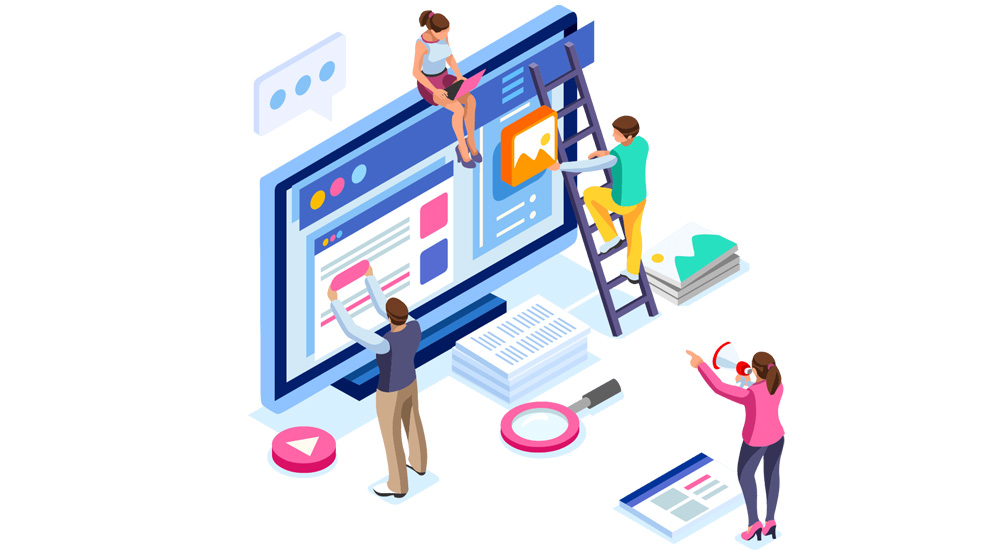
Let’s make sure your website is perfectly optimized for Google and other search engines. I have successfully launched hundreds of websites and now I am going to show you how to do the same. From ensuring your website is Mobile Responsive, making sure your click buttons work properly, and of-course making sure it’s ready for “Google Bot.” Rest assured, you are in good hands!
STEP 04

Learn How To Launch Your Site
You get my 10 point checklist to make sure all your bases are covered. When it’s time to launch your website, you will be armed with all the best practices to ensure it’s up and running without a problem.
STEP 05
Learn How To Manage Your Site
After your beautiful site is up and running, I will show you how to manage your hosting account, update your website, keep the software at the latest version, manage your backups and more!
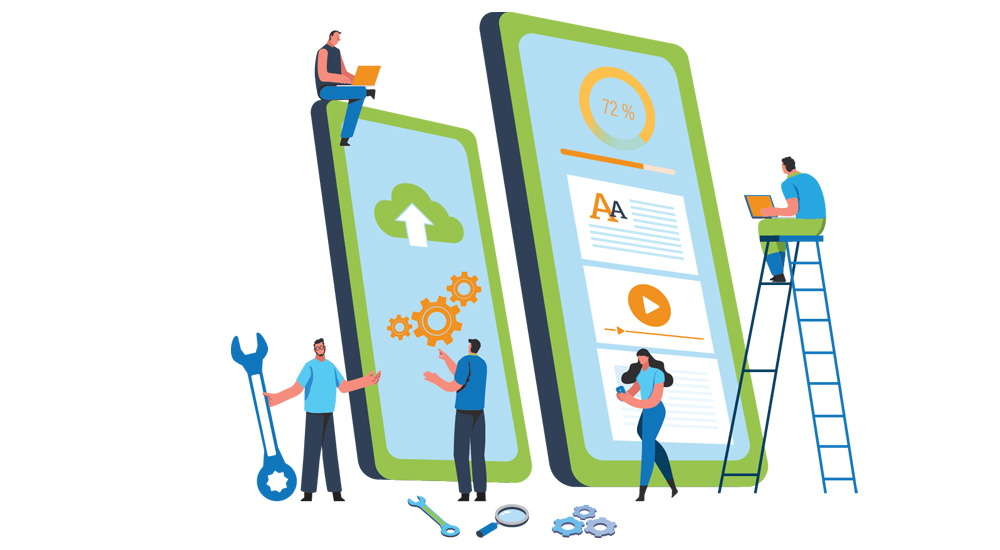
Easiest and Most Efficient Way to Build Websites
Pre-Built Professionally Designed Website Layouts
Quickly and easily creating high converting websites and landing pages. We included everything you need to build a high converting website. Contact us today and learn more.